Welcome to Dropstone
Dropstone is an agentic coding tool that lives in your terminal. It reads your codebase, makes coordinated edits across files, runs commands, and explains its reasoning as it works.
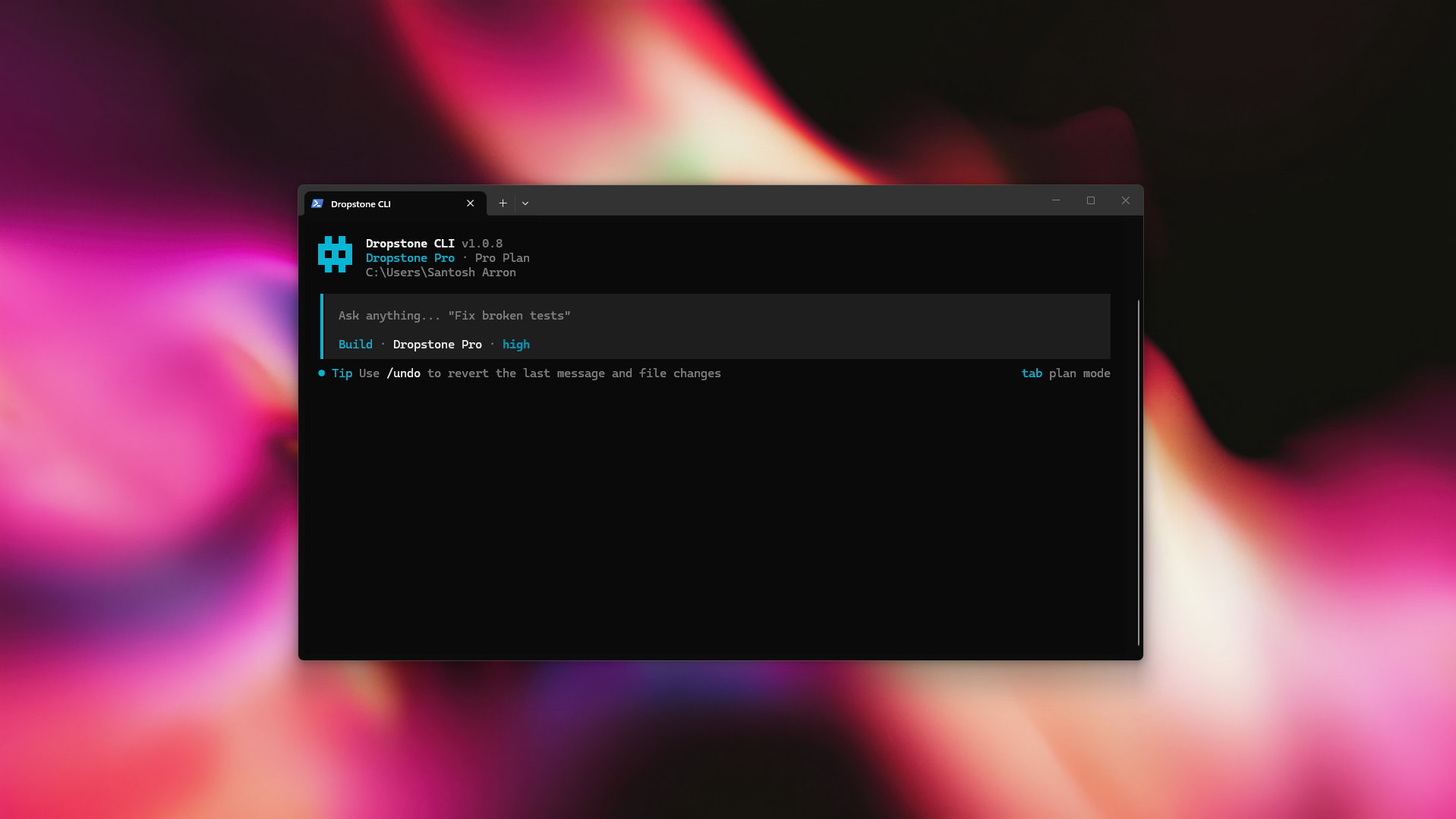
You describe what you want, and Dropstone reads the relevant code, plans the change, edits files, runs commands, and explains what it did. It works on real projects, not toy snippets, and stays grounded in the code you already have.
This page gives you the shape of the product. The Quick Start walks you through installing it and shipping your first change.
Install in seconds
Homebrew (recommended):
brew tap blankline-org/dropstone-cli
brew install dropstone
Or the install script:
curl -fsSL https://dropstone.io/install | bash
Then jump into any project:
cd /path/to/your/project
dropstone
Verify the install with dropstone --version. On first launch you will be prompted to sign in; full sign-in details are on the Quick Start page.
What you can do
Understand a codebase
Build features and fix bugs
Run, test, and verify
Create commits and pull requests
Connect your tools with MCP
Customize with rules and skills
AGENTS.md at the repo root to teach Dropstone your conventions. Package reusable workflows as skills.Compose with the shell
Dropstone is a Unix citizen. The interactive session is the default surface, but every capability is available from a one-shot invocation, which makes it scriptable in CI, pre-commit hooks, and your own workflows.
# One-shot: ask a question and exit
dropstone run "Explain how the auth middleware works"

# Pipe a file in
dropstone run "Find security issues" < src/auth.ts

# Use it in a shell pipeline
git diff main | dropstone run "Write a PR description for this diff"

# Drive it from CI without a TTY
dropstone run --json "Generate release notes from the last 20 commits"
How it works
Dropstone runs as a single binary in your terminal. Nothing to configure, no runtime to install — you start it inside a project and it operates on the files in your working directory. If you would rather have it beside your code as a panel, there is also Dropstone for VS Code.
Each turn follows the same loop:
You describe the task in plain language
No special syntax. "Add a /healthz endpoint that returns build info" is enough.
Dropstone gathers context
It reads files, greps for symbols, and inspects structure until it has enough to act.
It proposes and executes a plan
Edits are shown as diffs. Shell commands ask for permission unless you have whitelisted them.
It verifies the result
Type checks, tests, and lints run automatically when they exist. Failures loop back into the plan.
The whole interaction stays in your terminal. Your code is never sent anywhere except to Dropstone's own inference, which is operated under a no-retention, no-training policy. See the Trust page for details.
Use Dropstone everywhere
| I want to… | Best option |
|---|---|
| Start an interactive coding session | Run dropstone in your project directory |
| Ask a one-off question without a session | dropstone run "..." or pipe a file in with < |
| Resume the last session | dropstone --continue (or dropstone -c) |
| Wire in a custom tool or internal API | MCP Servers |
| Teach Dropstone your repo conventions | Drop an AGENTS.md at the repo root |
| Package a reusable workflow | Skills and Plugins |
| Use Dropstone in CI or pre-commit | dropstone run with --json and the permissions model |
| Pick the right model tier for the task | Models (Fast / Pro / Heavy) |
| Run inside a sandbox or restricted shell | Permissions |
Built around three model tiers
You pick the model that fits the work. All three are hosted on US infrastructure and tuned for coding.
Dropstone Fast
Dropstone Pro
/effort high.Dropstone Heavy
/effort xhigh.Tip
You do not need to think about model selection up front. Start in Fast and use /effort from inside Dropstone to step up when a task needs more depth.
Where to go next
Get up and running
The Quickstart covers install, sign-in, and your first task.
Pick a model tier
Models goes deeper on Fast, Pro, and Heavy, and when to reach for each.
Configure to taste
Configuration covers global and per-project settings; Permissions and Keybindings cover the rest.
See what's new
The Changelog lists every release with the user-visible changes.
Once you are set up, the CLI reference and the slash commands guide are the two pages you will come back to most.
Building an agent or LLM app that needs to read these docs? Point it at /llms.txt for a site index, or /llms-full.txt for the full corpus in one file.